Your list. Their phone. Room by room. Every visit.

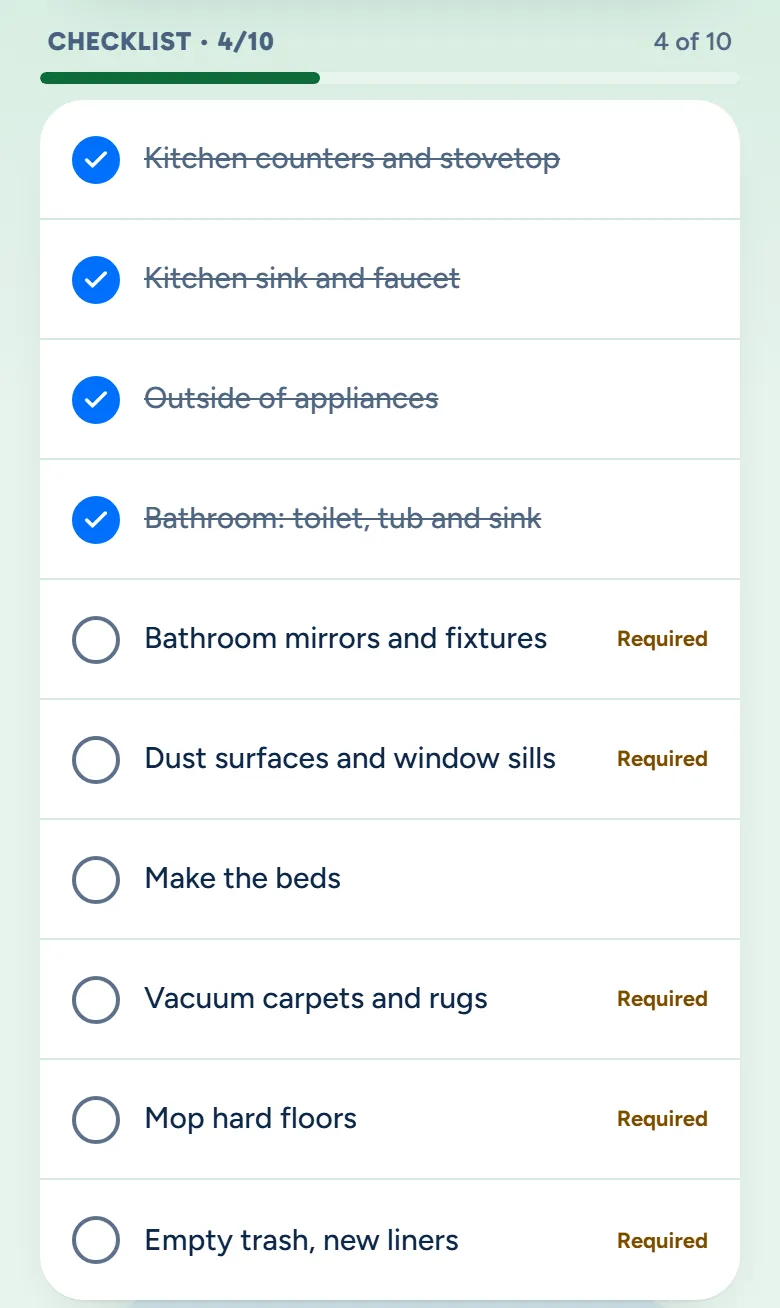
Write the list once for each kind of clean. It goes with every visit, your cleaners tick it off on their phones, and you see how far along they are without calling.

A walkthrough is a call with the people who build WellKept.

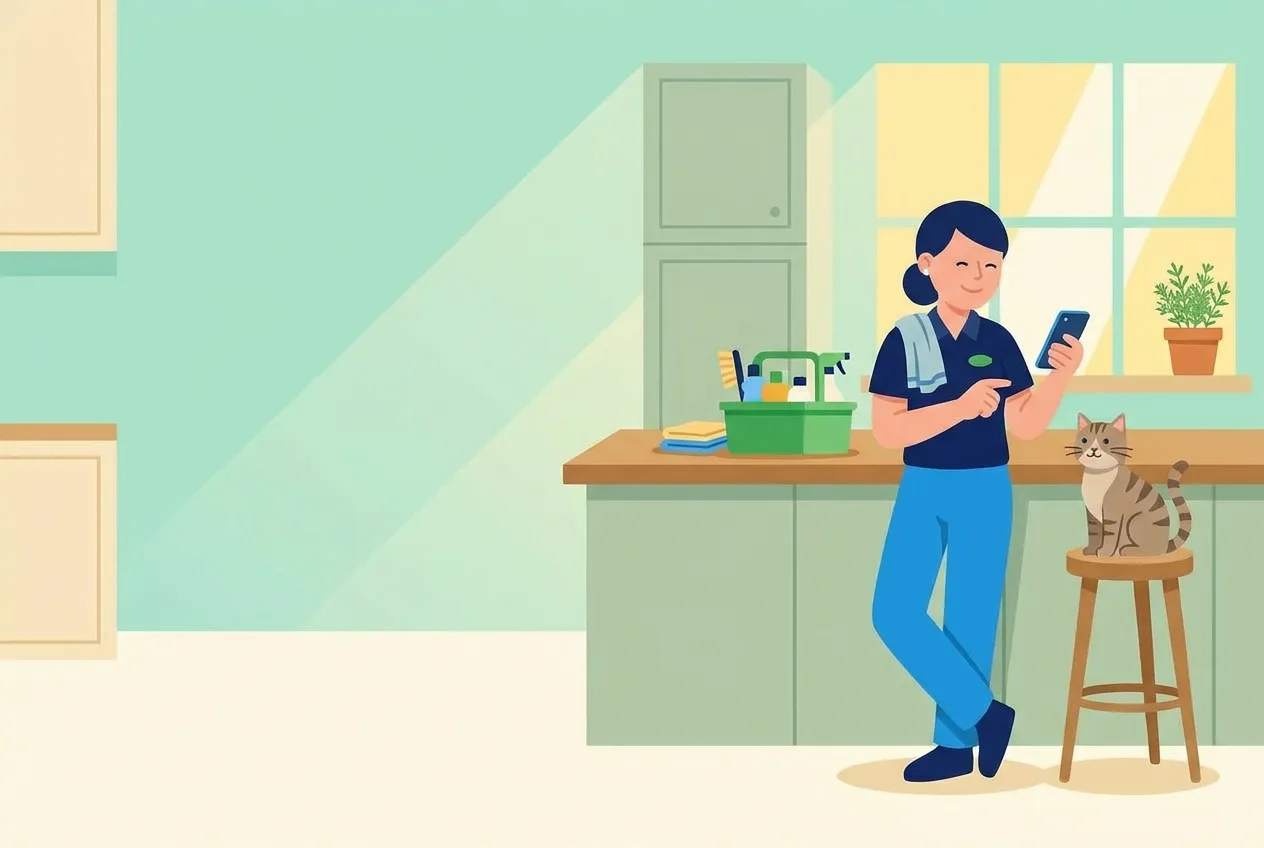
A cleaner in a customer's sunny kitchen, smiling as she taps her phone beside her caddy of supplies, while the customer's tabby cat sits on a stool at the end of the counter
The crew app's checklist on a visit, 4 of 10 ticked room by room, the rest still open with the required ones marked Required
Example data

One list, from your desk to their phone.

Here is one kind of clean, from the list you write to the visit you check on. Tap the dots on the screens to see what each part does. The screens are the real product with example data.

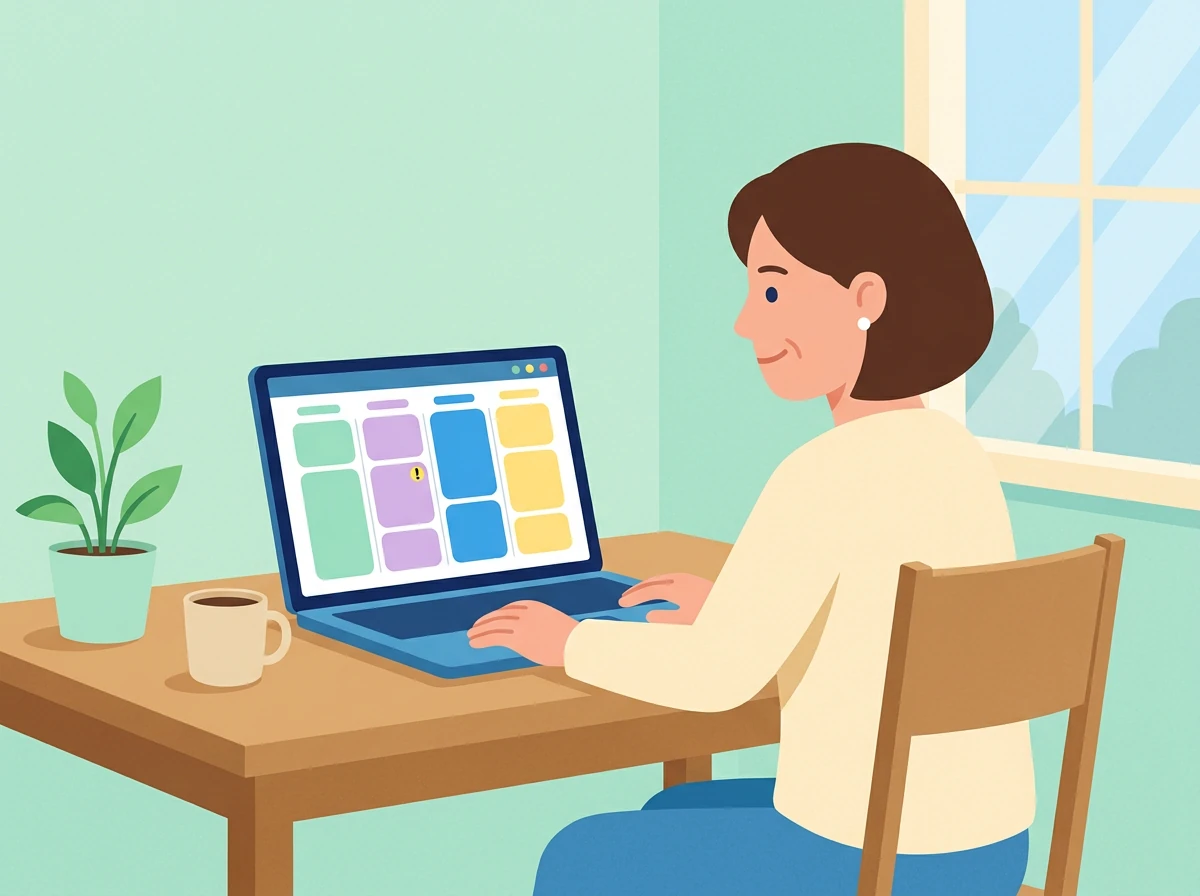
The owner at her desk, working on her laptop
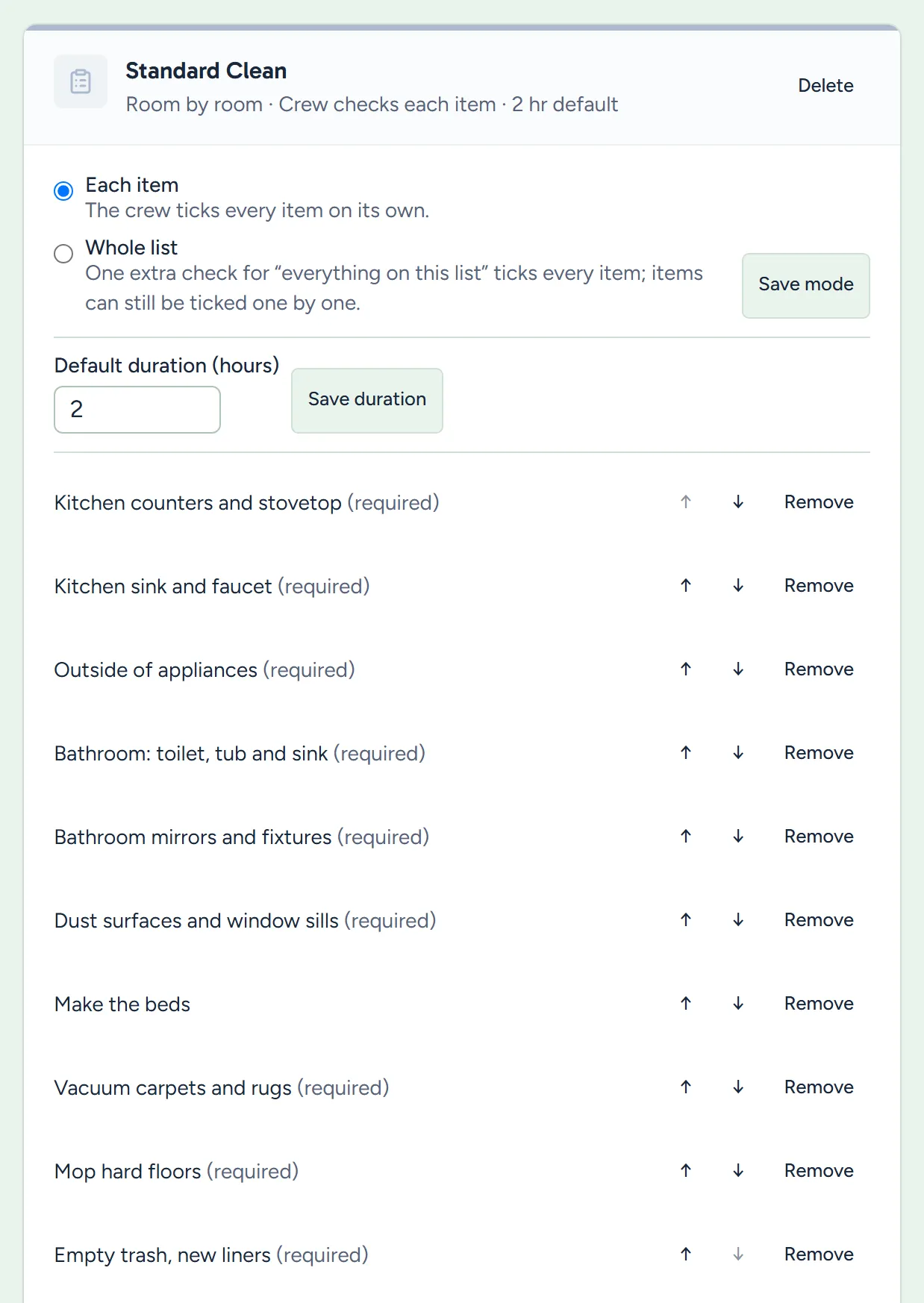
Settings, Checklists: the Standard Clean list in order, with the required items marked and the choice of each item or whole list
Example data

Write it once

One list for each kind of clean, in your words and in the order your crew works.

  • A list for each kind of clean. A standard clean, a deep clean and a move-out can each have their own.
  • In the order they clean. Move items up and down so the list walks the house room by room.
  • Mark what's required. By default the crew can't mark a visit complete with a required item open, and you can turn that off.
  • How long it usually takes. Set a usual length, and booking that kind starts there.
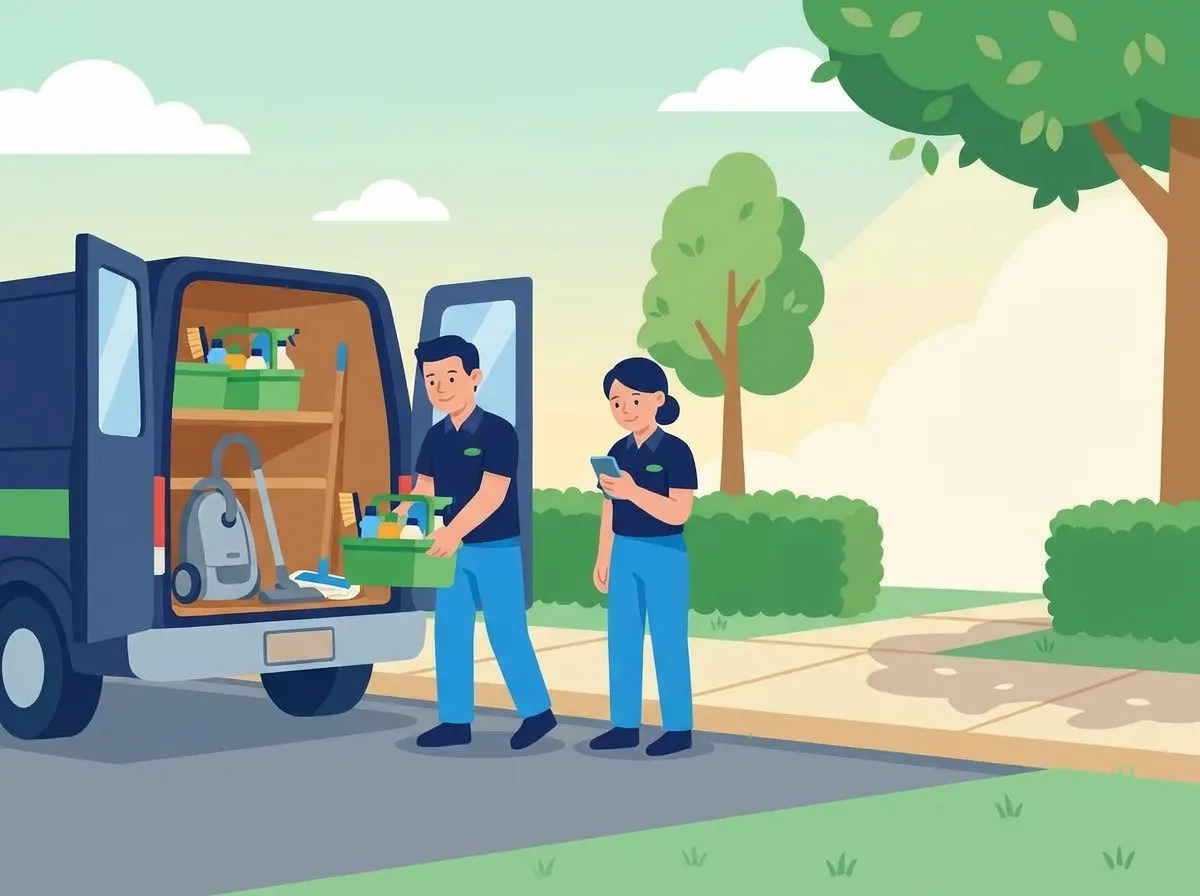
Two cleaners at the open back of the company van in the morning, one lifting a caddy of supplies in while the other checks her phone
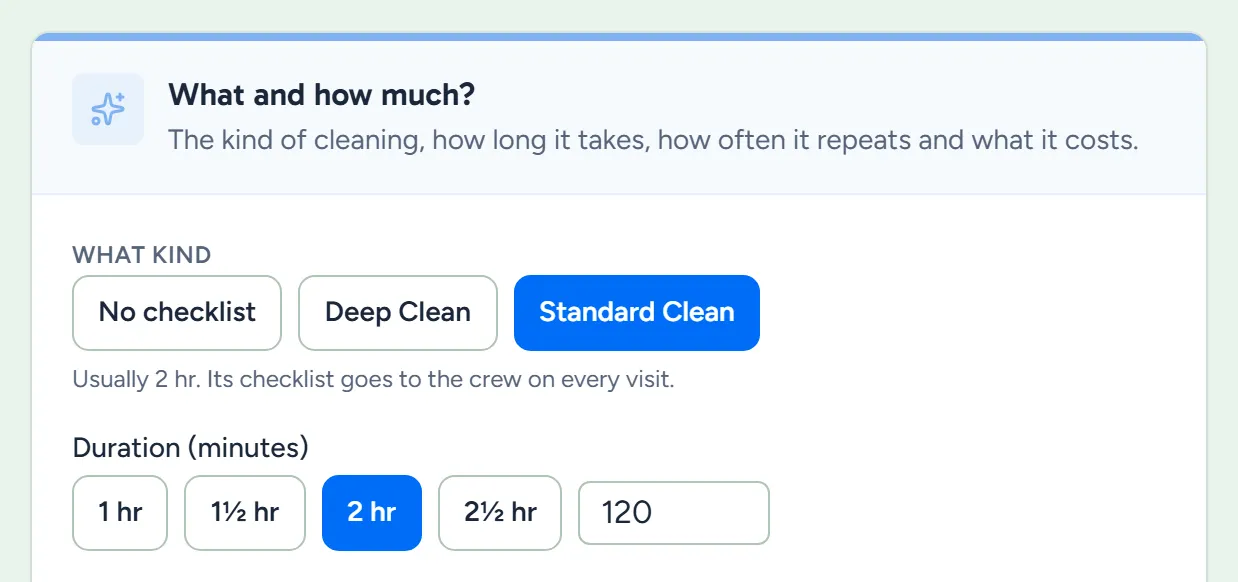
Booking a cleaning, with Standard Clean picked as the kind of clean and its usual length filled in
Example data

Book the kind

Pick the kind of clean when you book, and its list goes to the crew on every visit of that job.

  • The kind brings its list. Pick a kind, and every visit of that job gets its checklist.
  • Every visit gets its own copy. They tick this visit's list, and the next visit starts fresh.
  • A deep clean every few visits. A repeating job can rotate, like a deep clean every fourth visit, and that visit gets the deep-clean list.
  • Or none. A job can also go without a checklist.
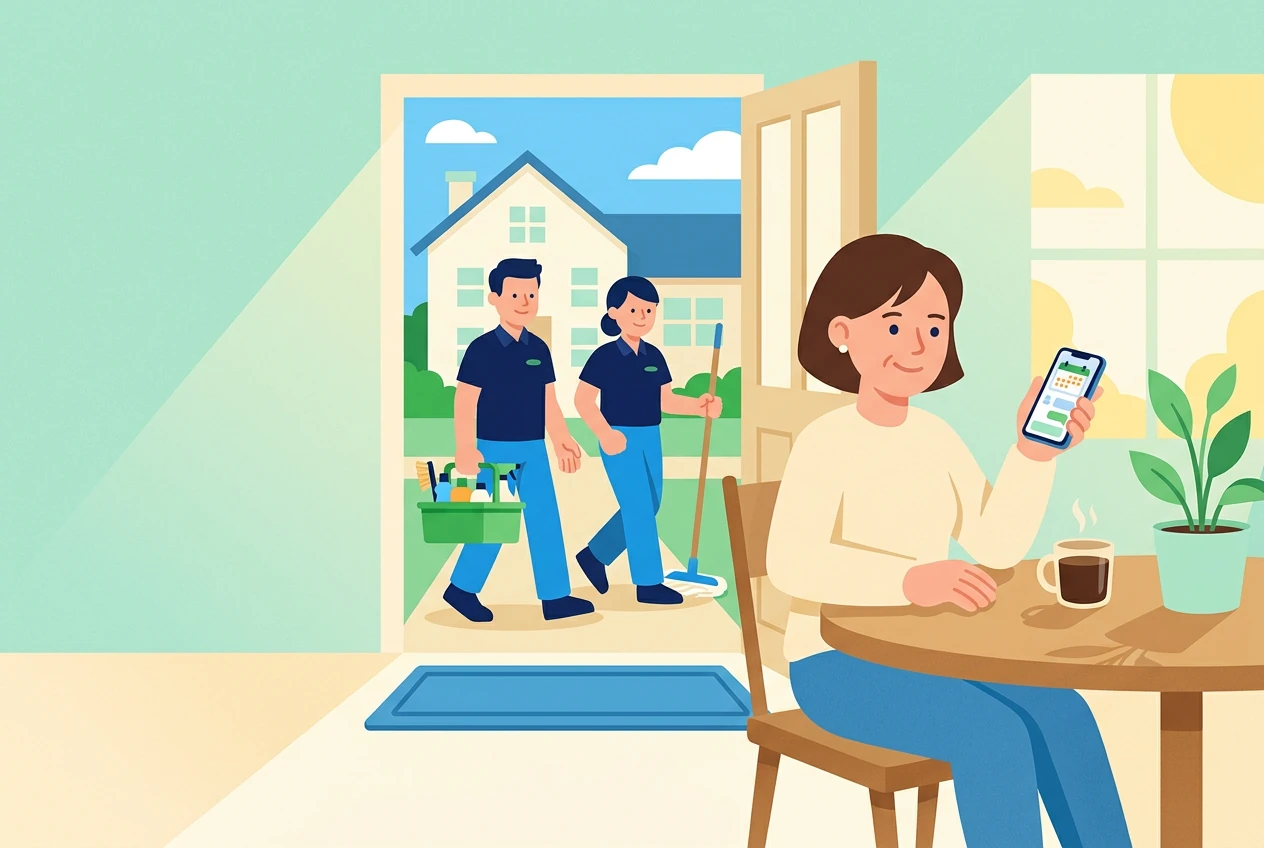
The owner at her kitchen table with a coffee, looking at her phone, while two cleaners walk up the path outside
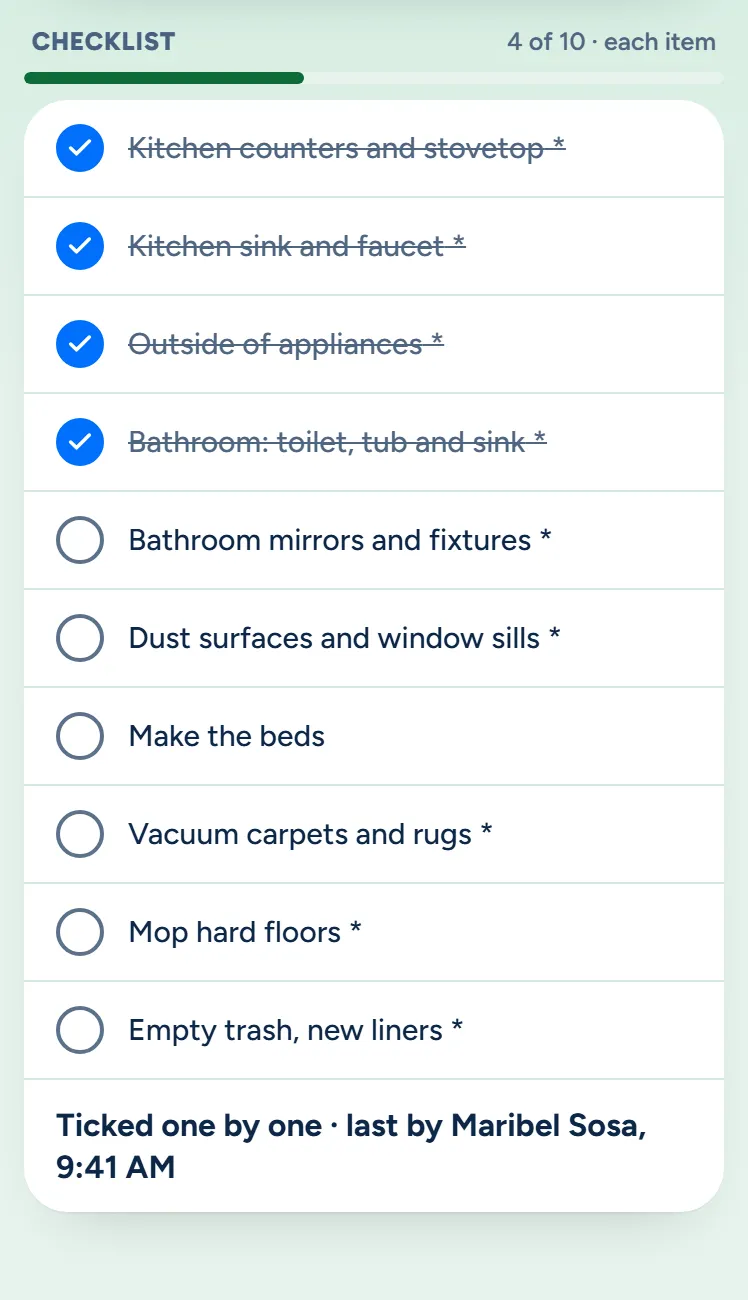
The owner app's view of the same visit: 4 of 10 done, each item, ticked one by one, last by Maribel Sosa
Example data

See it without calling

Open the visit on your phone or at your desk and see what's done and what's left.

  • The same list they're ticking. The count, the bar and every item, in the owner app or the dashboard.
  • Who ticked it last, and how. Ticked one by one or checked as a whole, with the last cleaner's name and the time.
  • Even with no signal. Ticks made offline wait on their phone and come through when it reconnects.
  • Told when it's done. The owner app can send you a notification when they mark the visit complete.

Trust the crew? Let them check the whole list.

On a home they know, one tap ticks every item. A home that's new to them can stay item by item.

  • Each item, or the whole list. Each item means every line gets its own tick, and whole list adds one check that ticks them all.
  • Set it where it fits. Set it on a checklist or on one customer's job, and choose which way new checklists start.
  • You see which it was. The visit says ticked one by one or checked as a whole, with who and when.
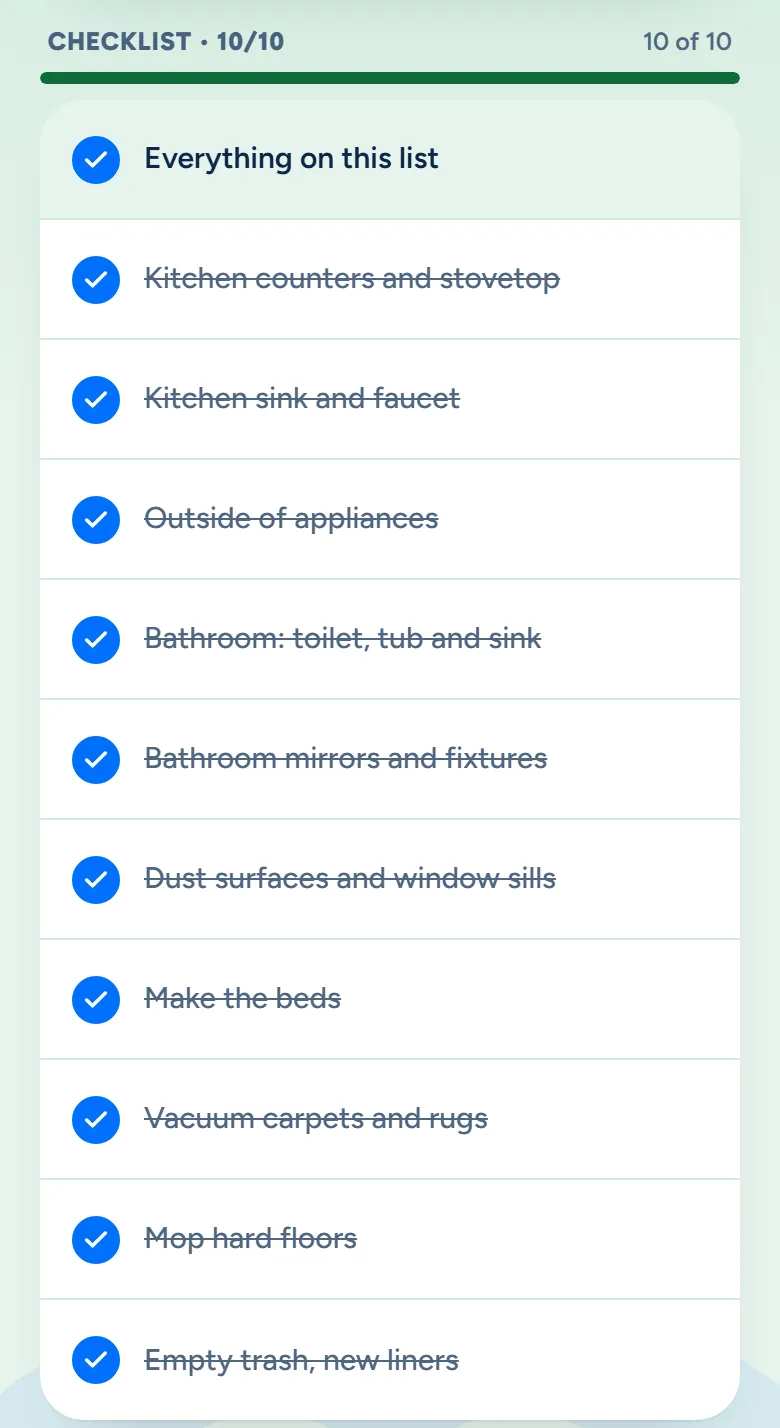
The crew app on a whole-list visit, with Everything on this list checked and all 10 items ticked
Example data

What owners ask before they roll it out.

What if they skip a required item?

They can't mark the visit complete until it's ticked, unless you turn that rule off. You can still mark a visit complete yourself from the dashboard or the owner app.

Can I change a list later?

Yes, any time. Visits booked after the change get the new list. A visit already on the schedule keeps the list it was booked with, and a repeating cleaning is booked about two months ahead, so a regular customer's visits change over after that.

Can one home have its own list?

Yes. Make a kind of clean just for that home, then pick it when you book them, or switch their repeating cleaning to it from a date on. How the list is ticked can be set for that one job too.

See it with your list.

Bring the list your crew works from and we'll show you how it looks on their phone.

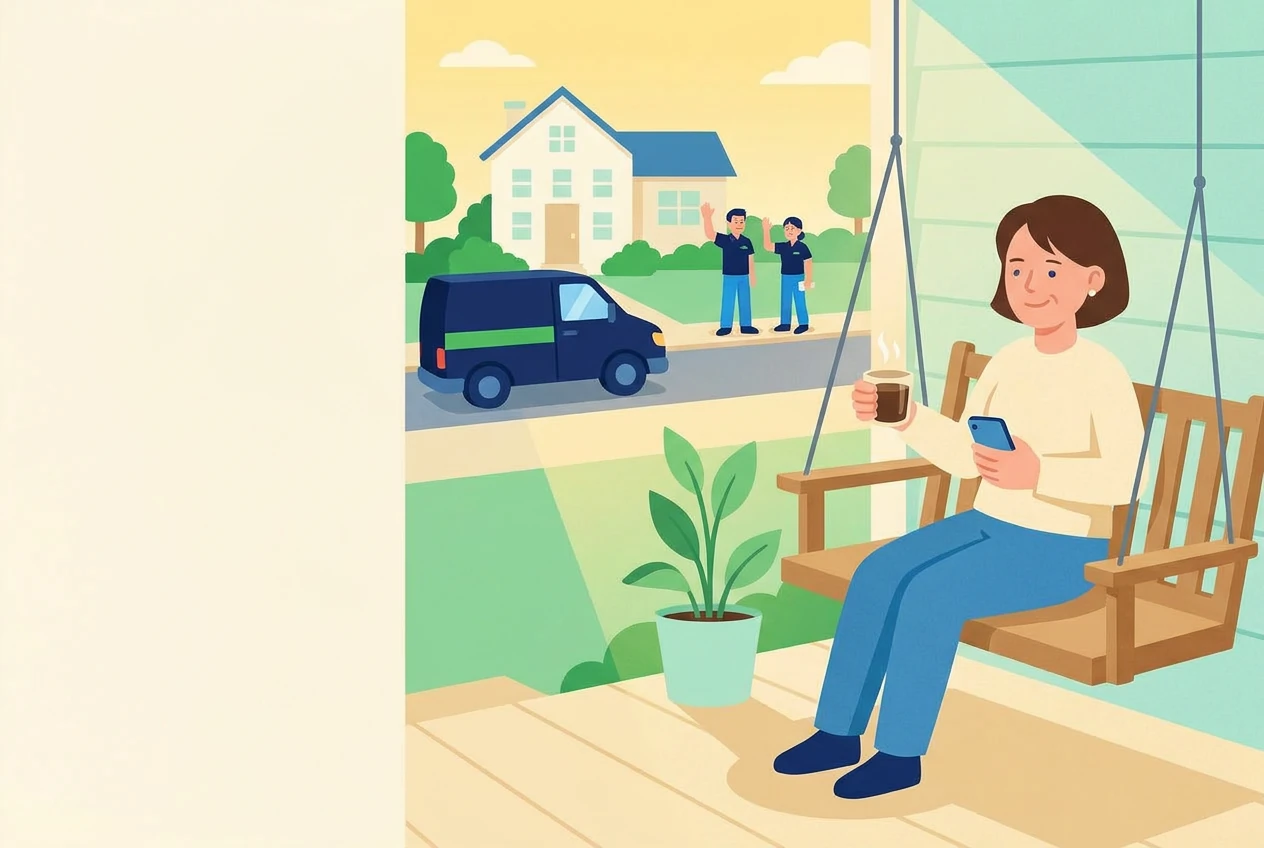
The owner on her porch swing with a coffee at the end of the day while her two cleaners wave from beside the van