

The day. The address. The price. Already on it.

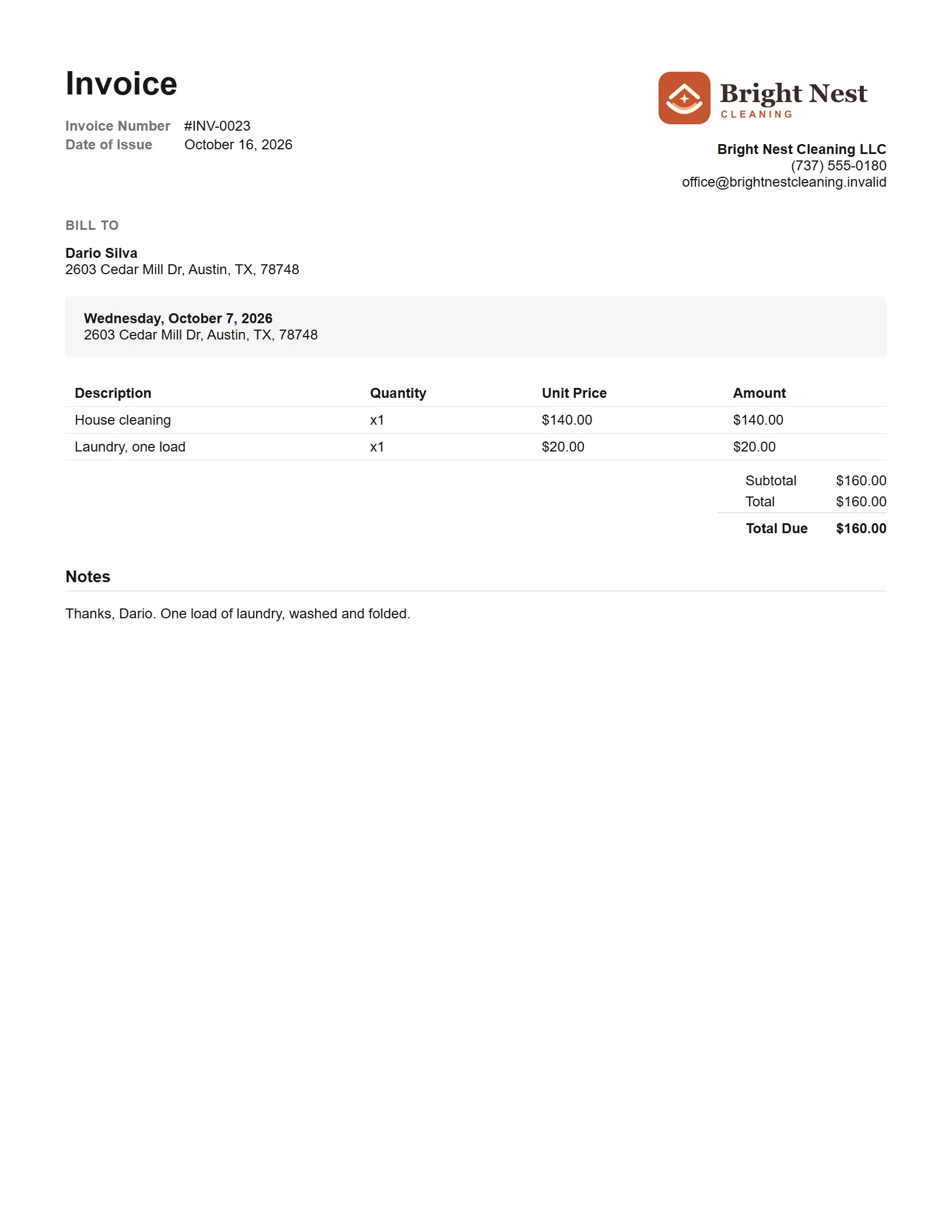
Make a finished cleaning's invoice in one tap: its day, the home's address and the price you booked are already on it. Add the extras and check it.

A walkthrough is a call with the people who build WellKept.

A cleaning company owner on a stool at a café window counter between jobs, smiling at her phone with a coffee and a croissant beside her
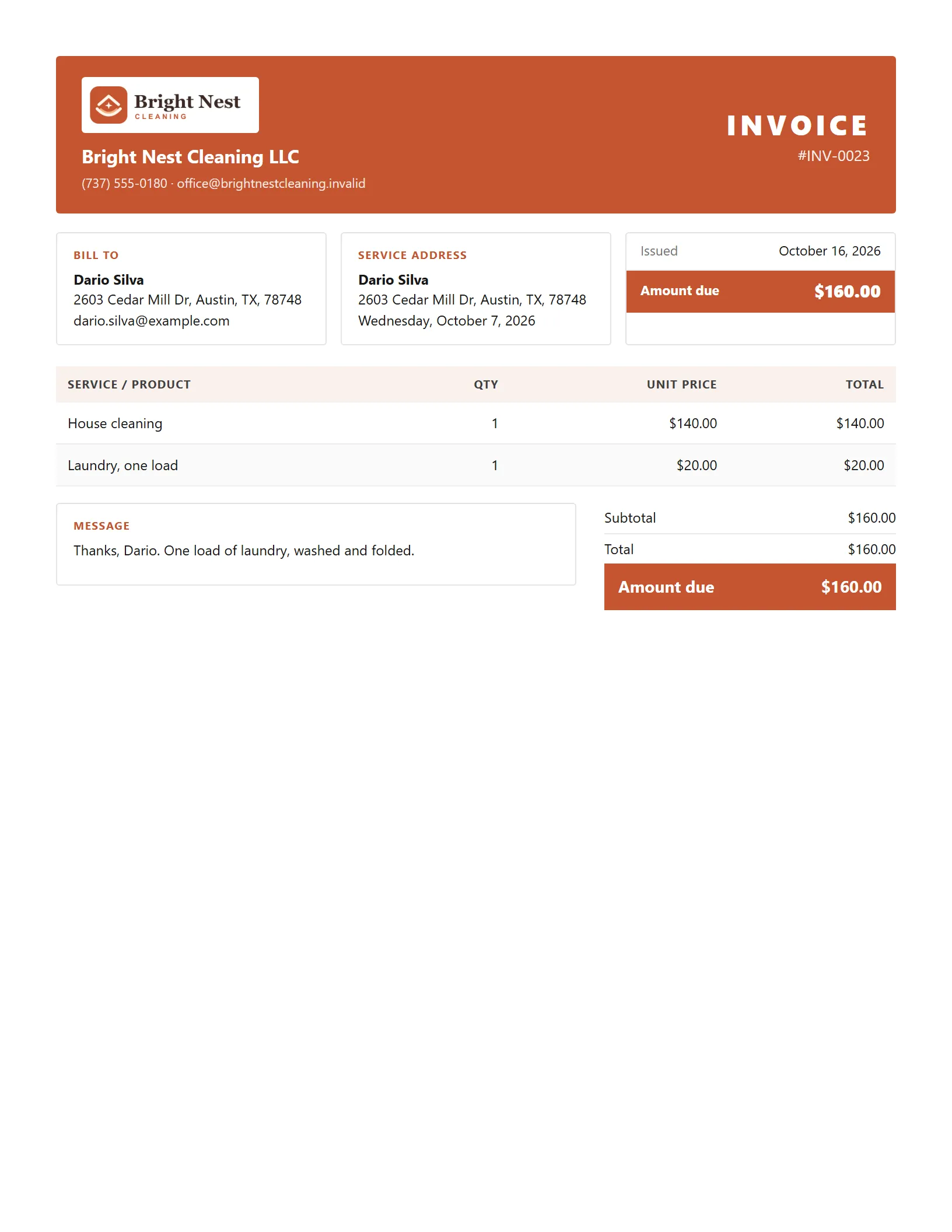
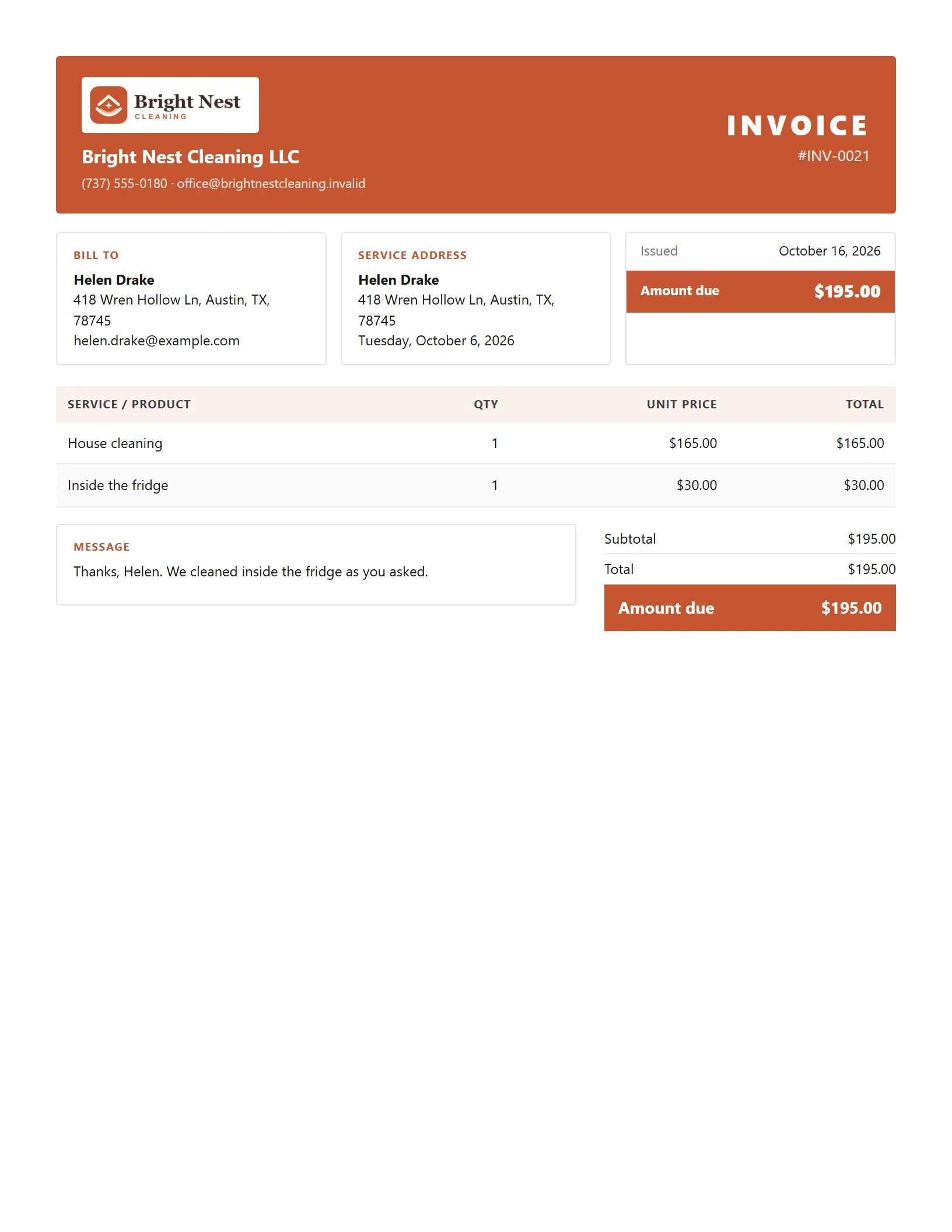
A WellKept invoice in the Service ticket design: the cleaning's day and the home's address, two lines, a message for the customer and the amount due
Example data

Bill the cleaning you just finished.

Here is one week of billing. Tap the dots on the screens to see what each part does. The screens are the real product with example data.

The owner at her desk, working on her laptop
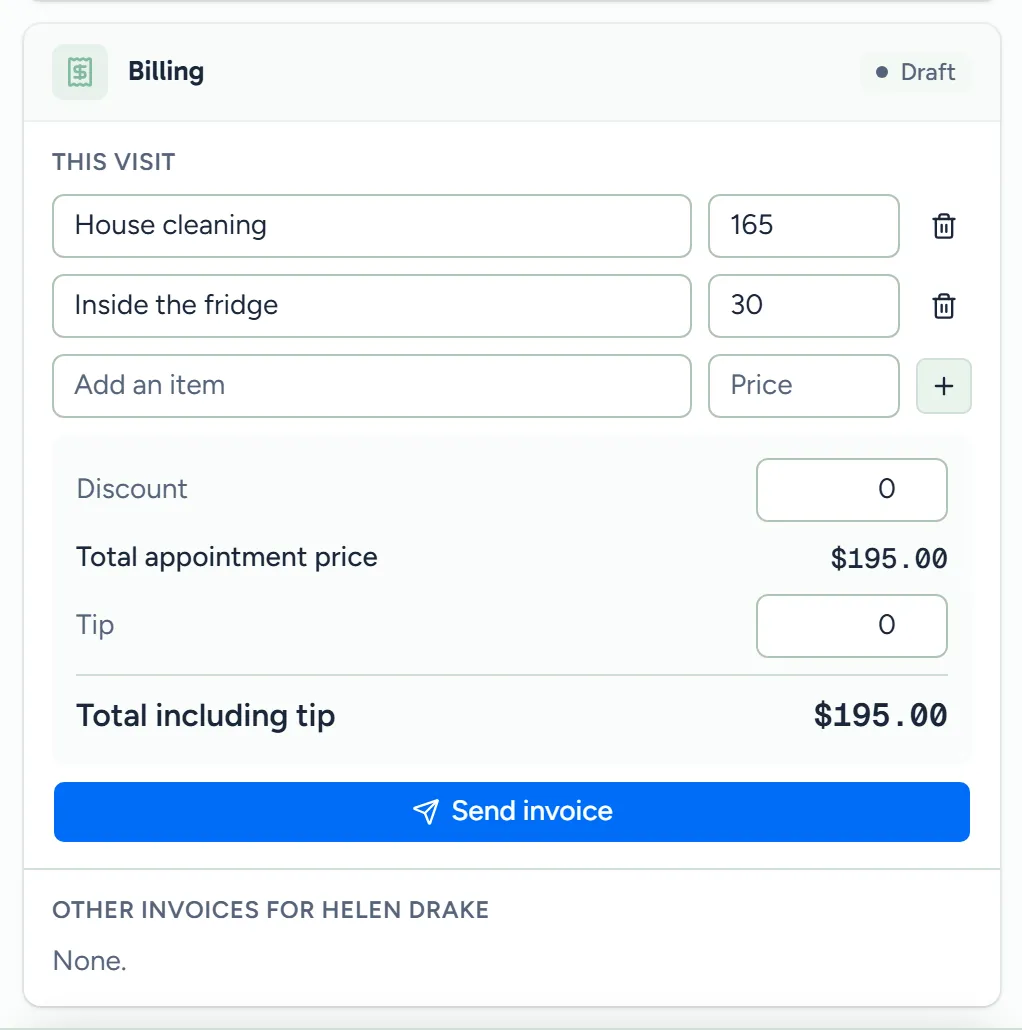
A finished cleaning's billing, in WellKept: the booked price as the first line, an extra added, the discount and the total
Example data

Start from the cleaning

Open a finished cleaning and make its invoice in one tap, already filled in.

  • Finished but not billed? They wait at the top of Invoices until you bill them.
  • The price you booked. Book a cleaning with its price and it becomes the first line, with the cleaning's day and the home's address on the invoice.
  • Extras and discounts. Add what the crew did on top, or take something off, while it's a draft.
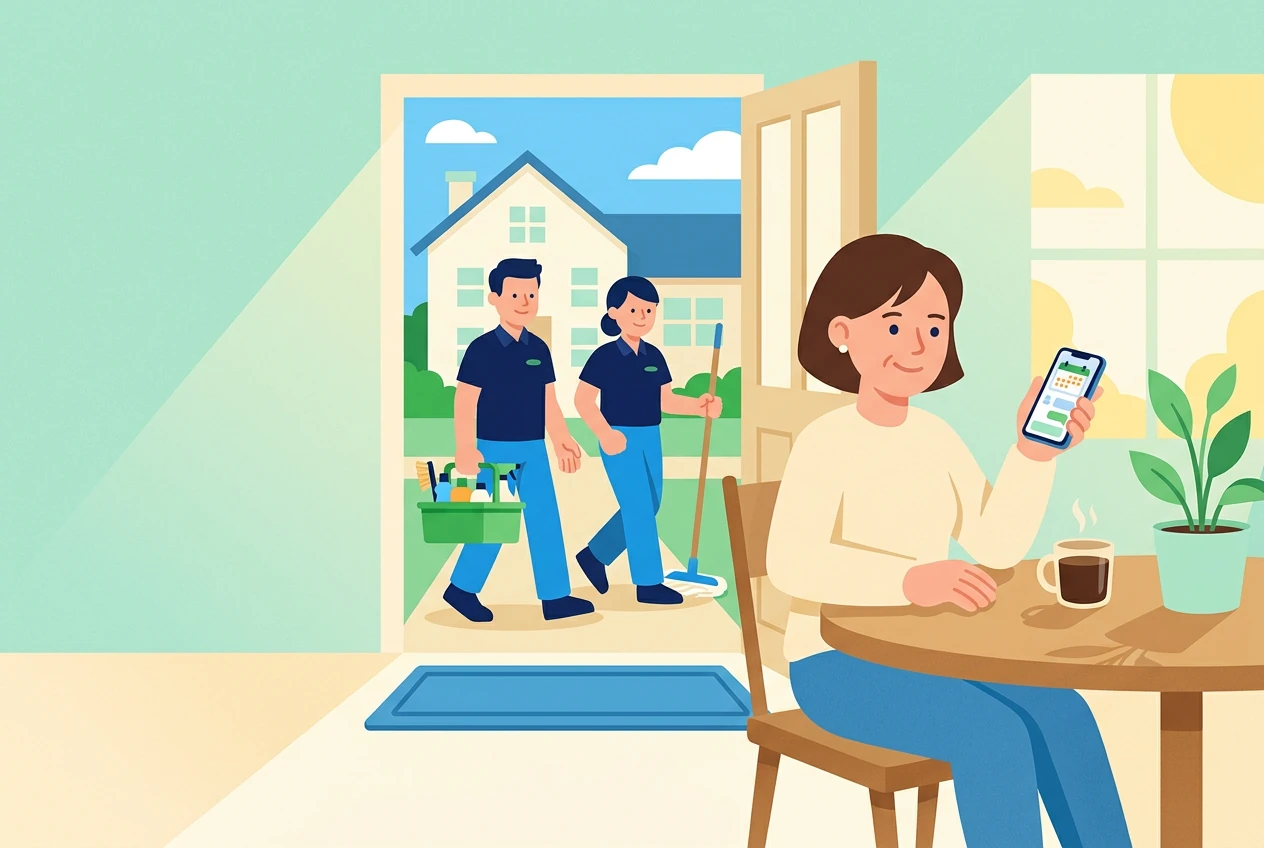
The owner at her kitchen table checking her phone while her cleaners walk up to the house
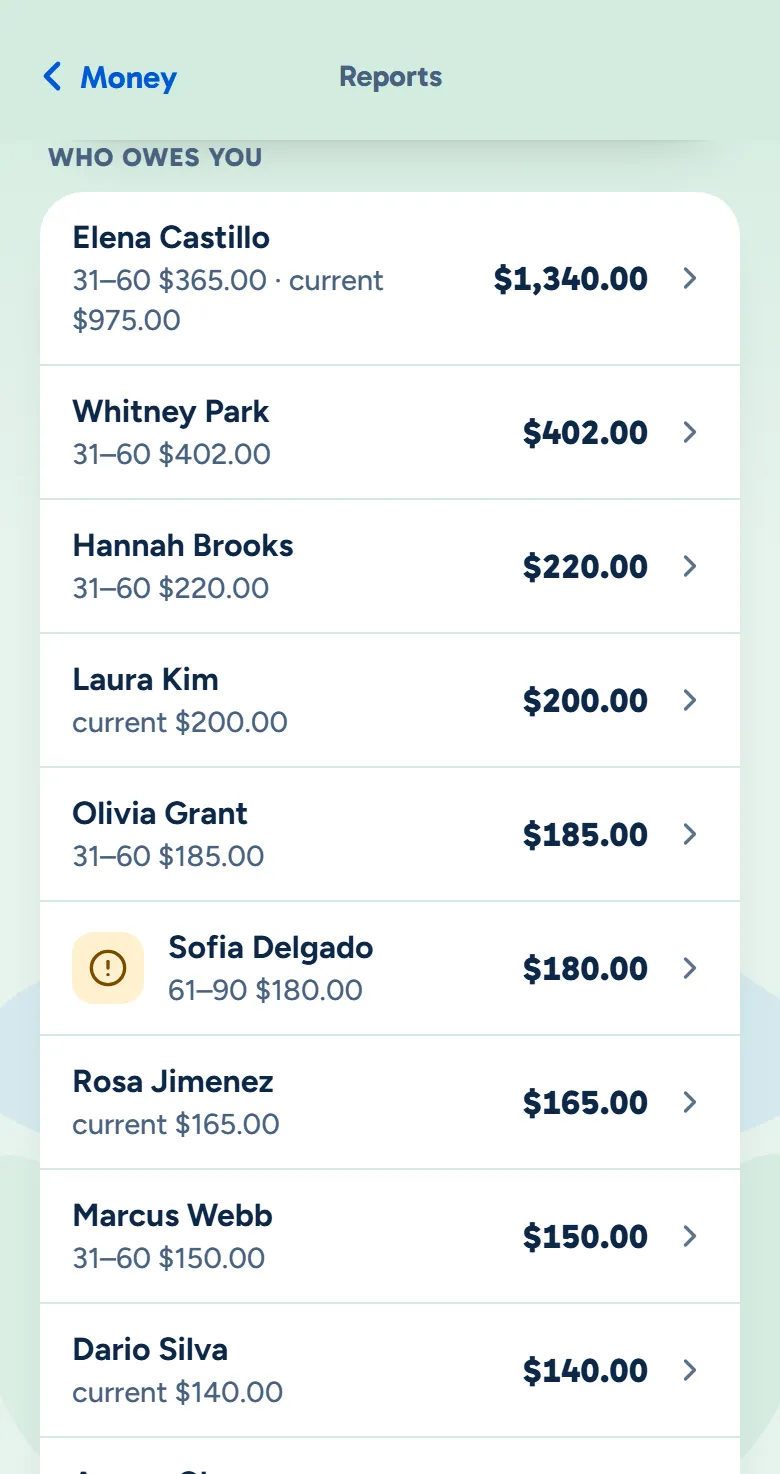
The WellKept owner app's Who owes you list: each customer and what they owe, biggest first
Example data

See who owes you

Every open balance, customer by customer, at your desk or on your phone.

  • One line each. Each customer who owes you, with what they owe in all.
  • On your phone too. The owner app shows who owes you live, biggest first, and every invoice line by line.
  • Back to the cleaning. An invoice from a cleaning links to the visit it billed.
  • Not for the crew. Prices and invoices stay out of the crew app.
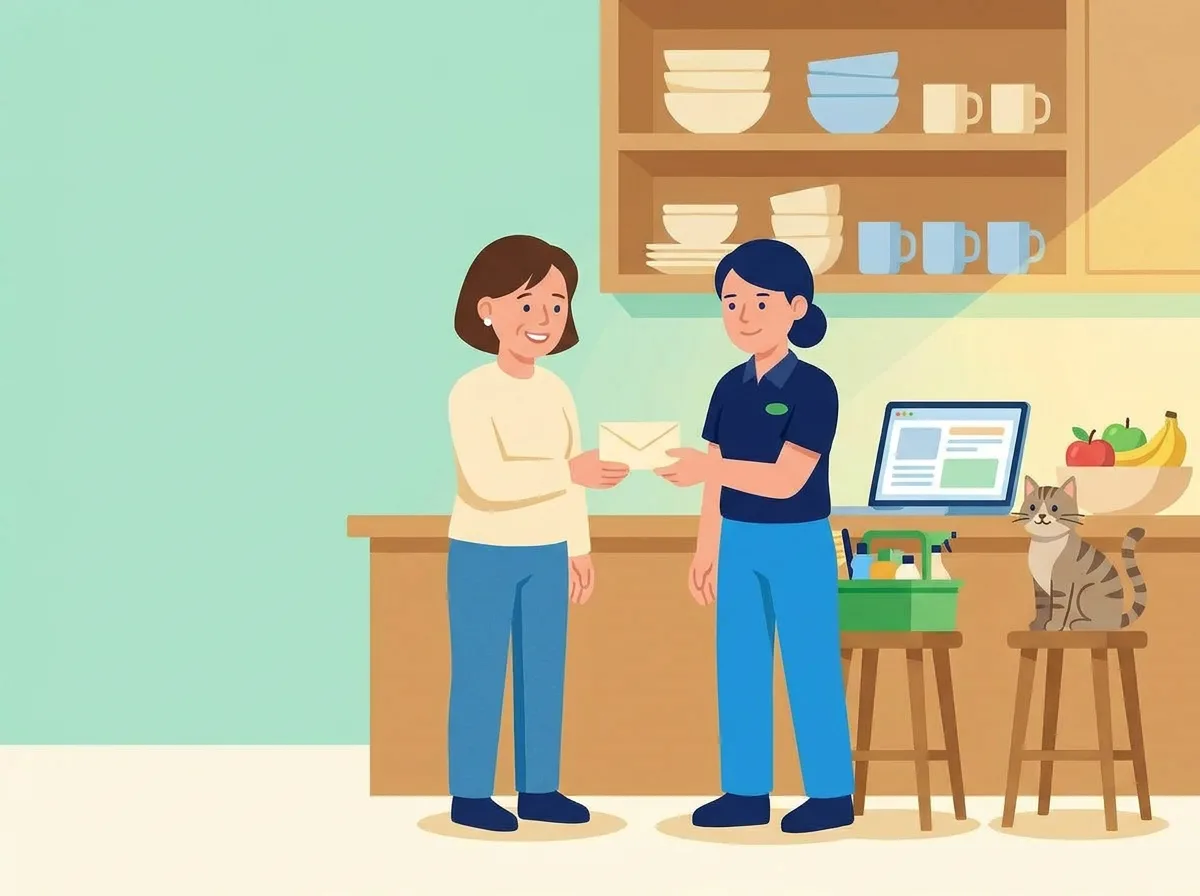
A cleaner handing the owner the envelope with a check a customer left, by the kitchen counter, while the tabby cat watches from a stool
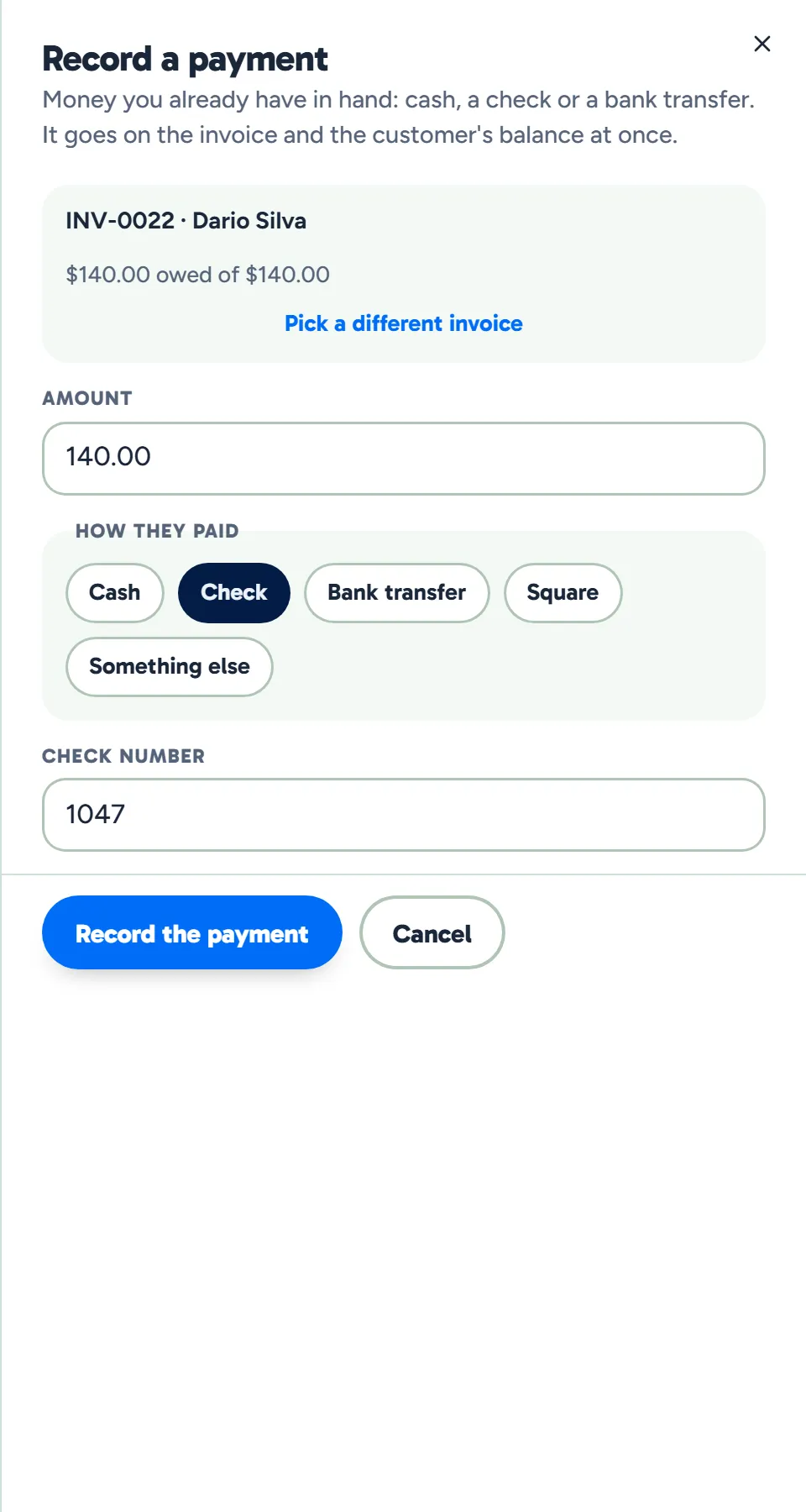
Recording a check in WellKept: Dario Silva's invoice, the amount owed, Check chosen and the check number typed
Example data

Record what they pay

Paid by check, cash or transfer? Put it on the invoice in a few taps.

  • Money you already have. Cash, a check with its number, a bank transfer or anything else.
  • The balance follows. The invoice and the customer's balance update at once.
  • It starts at what's owed. The amount is filled in with the balance, so you only change it when they paid part of it.
  • Card payments are coming. Paying an invoice by card from a link is coming soon.

Five ways to look like your business.

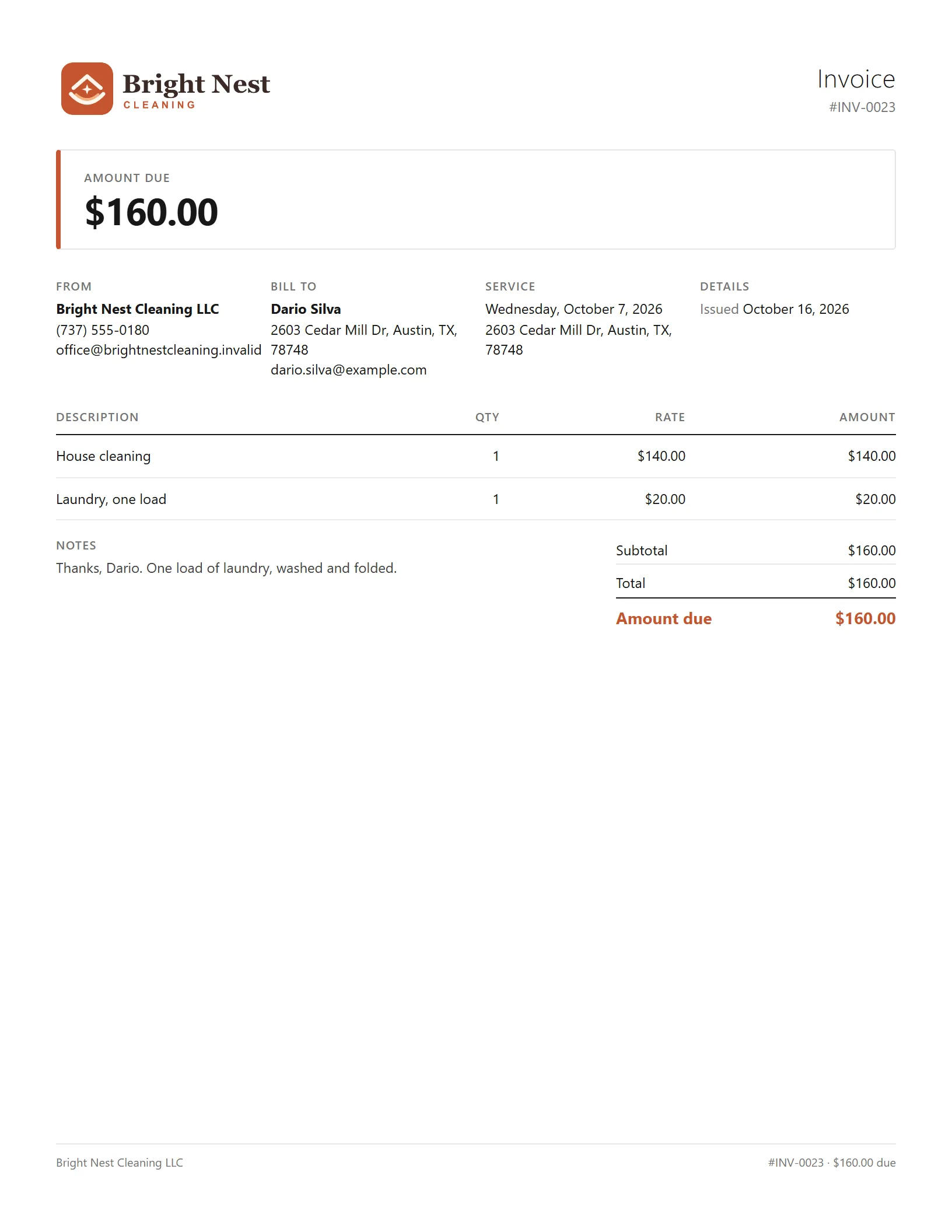
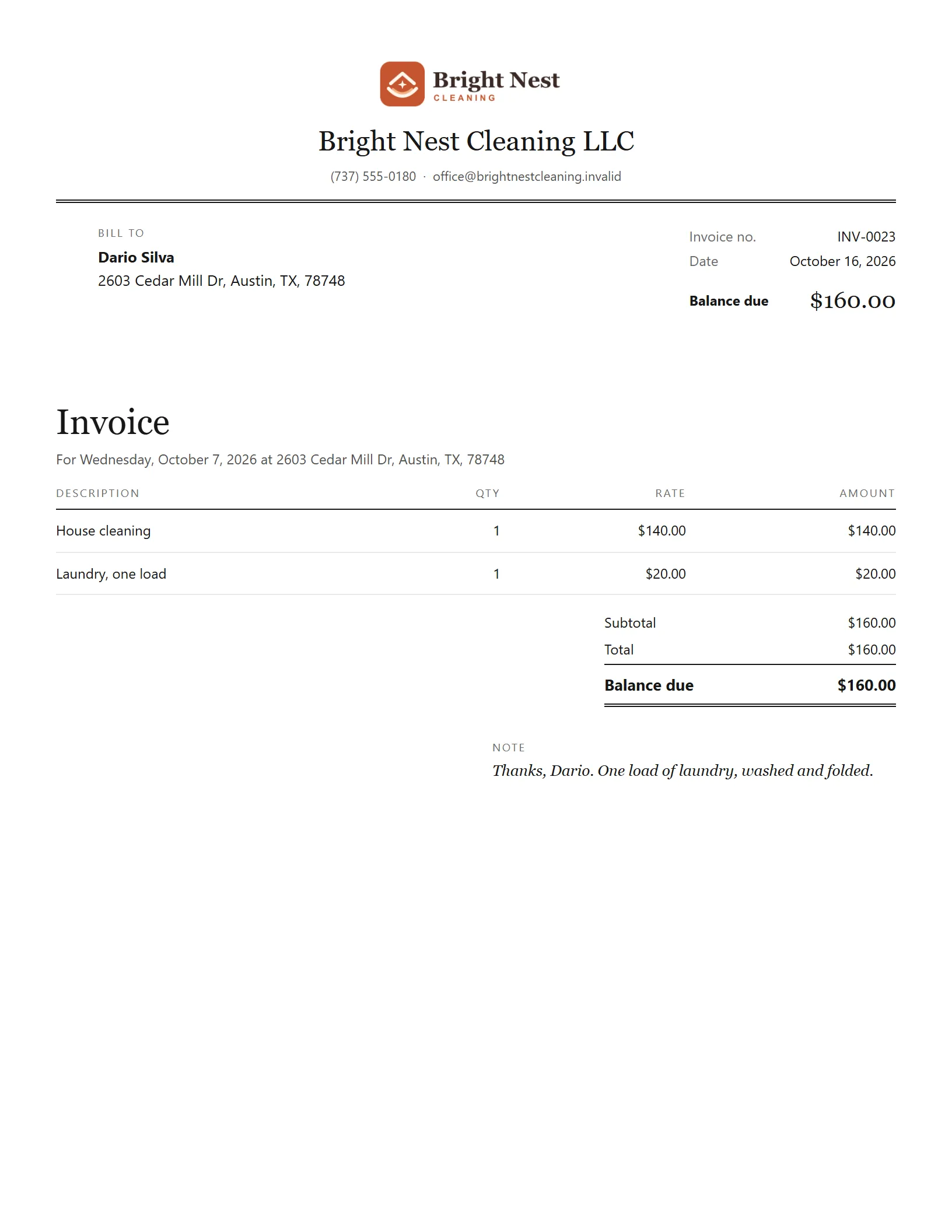
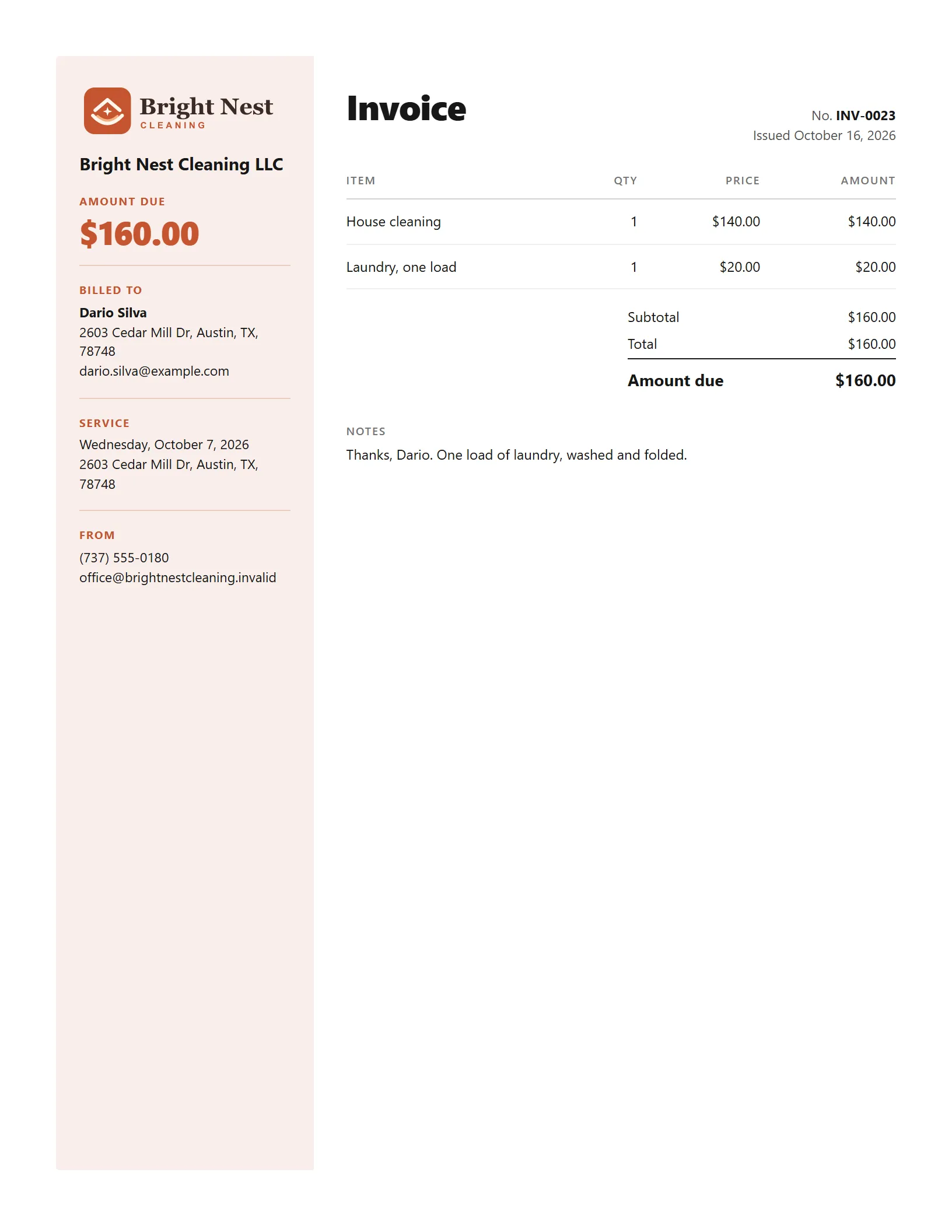
Every design carries the cleaning's day and address and your business's details. Only the layout changes, and you can switch any time in Settings.

Classic

Invoice details on the left, your business on the right, then the lines and the total.

  • Your logo on every one. Set it once in your branding and each design uses it.
  • A note for them. Add a message to any invoice, and keep a private one the customer never sees.
Classic design
1 of 5
Classic design. Example data.

What owners ask about billing.

Can my customers pay online?

Soon. Paying an invoice by card from a link is coming. Until then, record what they pay you by cash, check or transfer, and the balance updates at once.

Can I bill a regular customer once a month?

Not on one invoice. Each cleaning gets its own, with its own day and address, so you can see that every visit was billed.

What if I get one wrong?

Change its lines and discount while it's a draft. An invoice nobody has paid can be voided with a reason, and a balance you won't collect can be written off.

See it with your week.

Tell us how you bill your customers today and we'll show you how it fits.

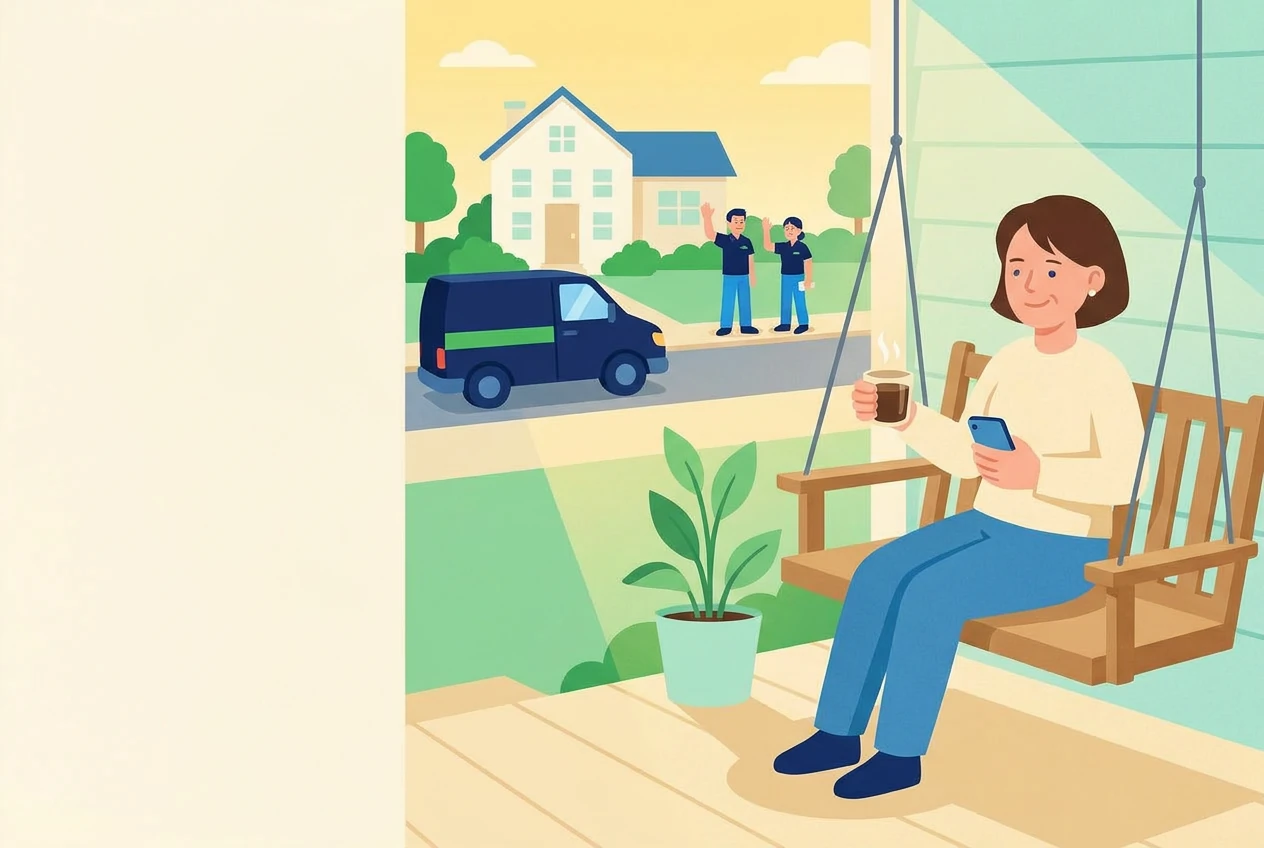
The owner on her porch swing with a coffee at the end of the day while her two cleaners wave from beside the van